

If an Instagram story download isn’t working, the cause is almost always one of five things: the username is mistyped, the account is private, the story already expired (after 24 hours), your browser cache is stale, or the tool itself is temporarily down. Check each in that order — you’ll fix the problem in under a minute about ninety percent of the time.
⚡ Key takeaways
- Most failures = wrong username, private account, expired story, stale cache, or tool downtime.
- Verify spelling first — lowercase, no @, exact dots and underscores.
- Private accounts (padlock icon) cannot be downloaded by any third-party tool.
- Stories vanish at 24h sharp; a different cache may still have them.
- Clear browser cache, try another browser, then try a different tool.
An Instagram story download that suddenly stops working is annoying out of proportion to the problem. It almost always feels like “the tool is broken” even when the cause is something simple at one end or the other of the request. The good news: there are only a handful of real reasons it ever fails, and once you know what to look for you can diagnose the issue in seconds instead of hopping between five different downloaders.
This guide walks through every common cause, gives you the exact symptom-to-fix mapping, and is honest about the small number of situations no troubleshooting will solve. Most of you will be back to a working download by the time you reach the third section.
Why a download fails in the first place
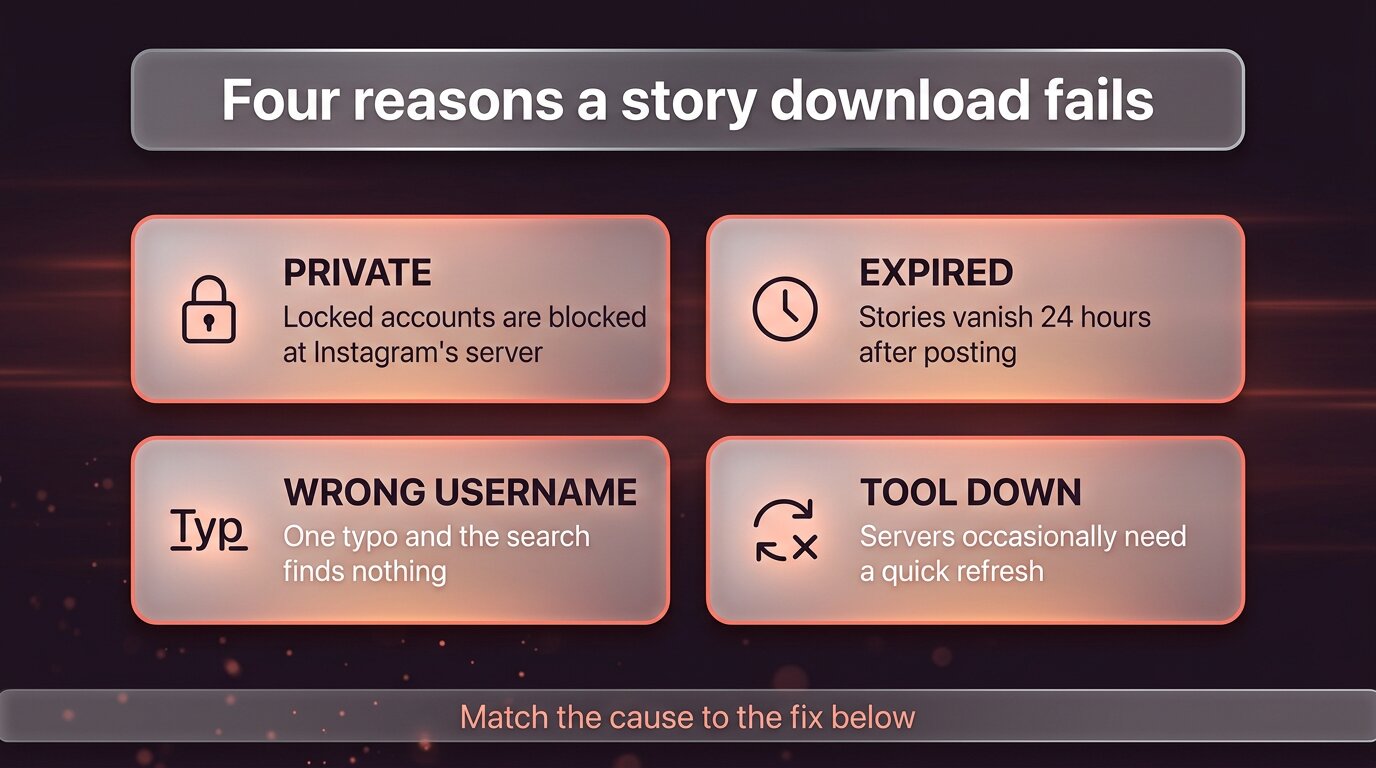
It helps to understand that a story-download tool is doing two things on your behalf: (1) finding the public profile you asked about, then (2) fetching the public story media Instagram is currently serving for that profile. A failure is always at one of those two steps. That narrows the field a lot.
The four causes that account for almost every reported failure:
- Wrong username. One typo and the search finds nothing — not because the story doesn’t exist, but because the profile doesn’t.
- Private account. Instagram’s server refuses to release any story media for accounts with the padlock icon. No third-party tool can override that.
- Story already expired. Stories disappear at the 24-hour mark. Past that, the public endpoint serves nothing for them.
- Tool or browser issue. Server briefly down, stale browser cache, an old browser that can’t play the modern video format.
The rest of this guide checks each of those in the right order — cheap fixes first — so you’re not clearing cache when the real issue was simply that you spelled the username wrong.
First, check the basics: username and privacy
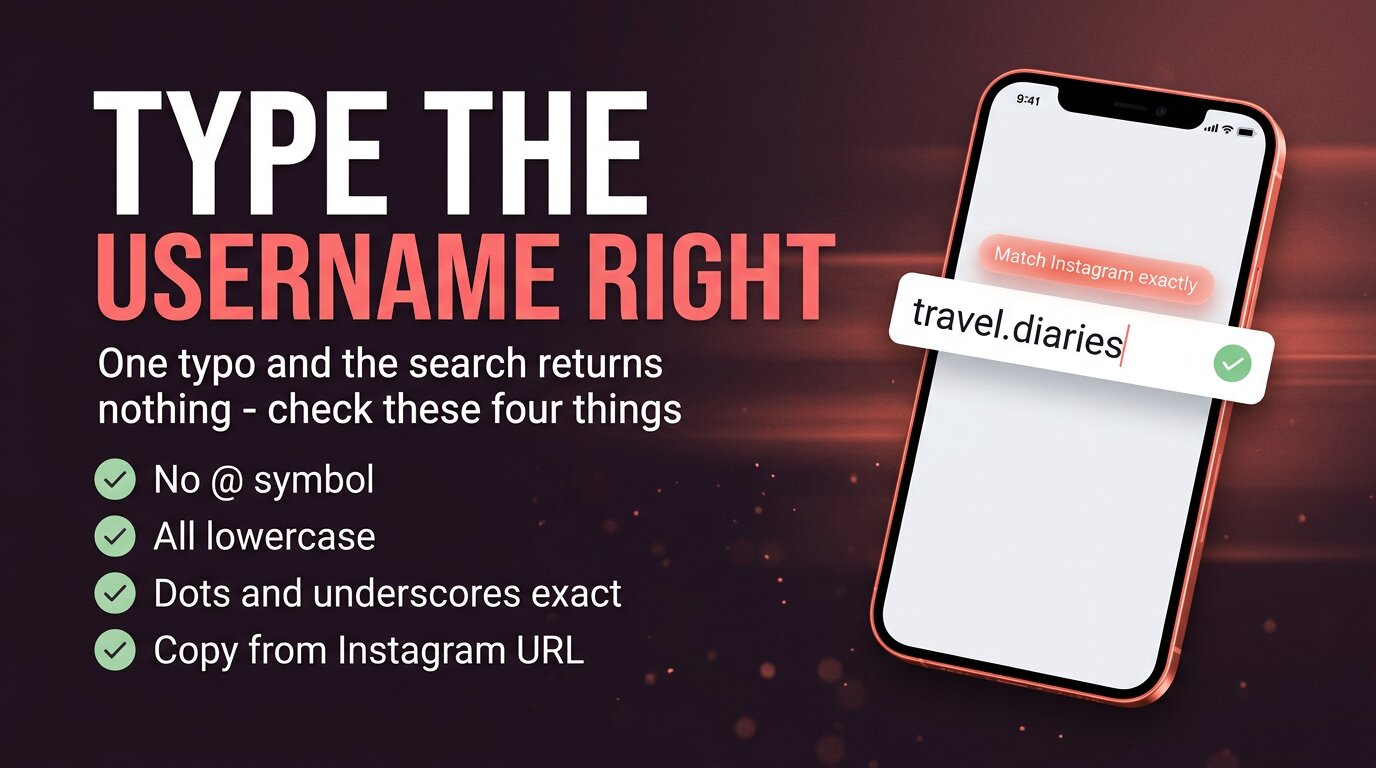
Start with the most embarrassing and most common cause: the username is wrong. Instagram handles are case-insensitive for lookup but exact-match for everything else. The four things to confirm:
- No @ symbol. Type just the handle. The @ is for Twitter, not the input field.
- All lowercase. Internally Instagram normalises, but some tools don’t. Lowercase is always safe.
- Dots and underscores in the right places. travel.diaries and travel_diaries are two different accounts.
- Copy from the Instagram URL. Open the profile on instagram.com and copy the handle straight from the address bar — that’s the canonical version.
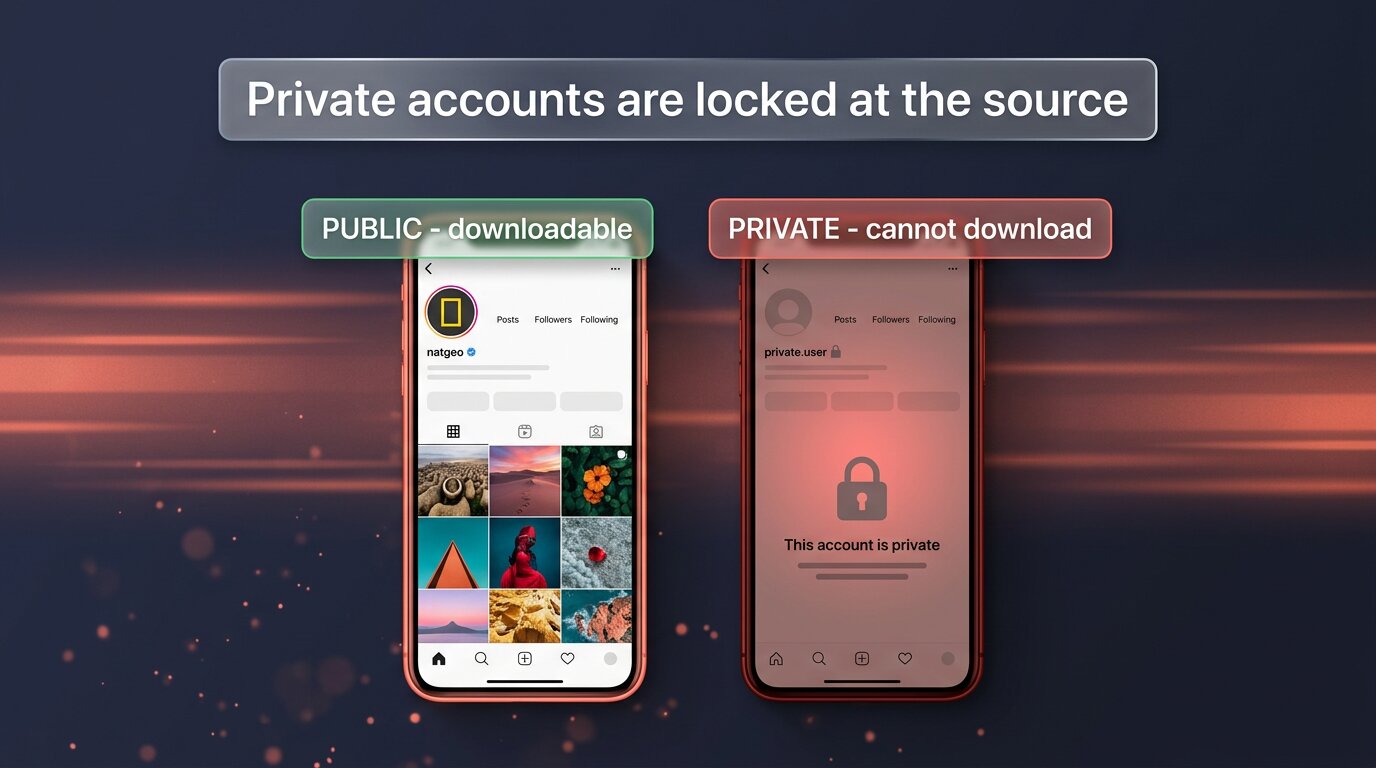
If the username is definitely right, the second basic to check is privacy. Open the profile in any normal browser. Do you see the posts grid or do you see “This account is private” with a padlock icon next to the handle? A padlock means the account is locked at Instagram’s server — no downloader can get its stories, no “private viewer” tool can either, and any service that claims otherwise is lying. The only honest workaround is to ask the owner for a follow.
Has the story already expired?
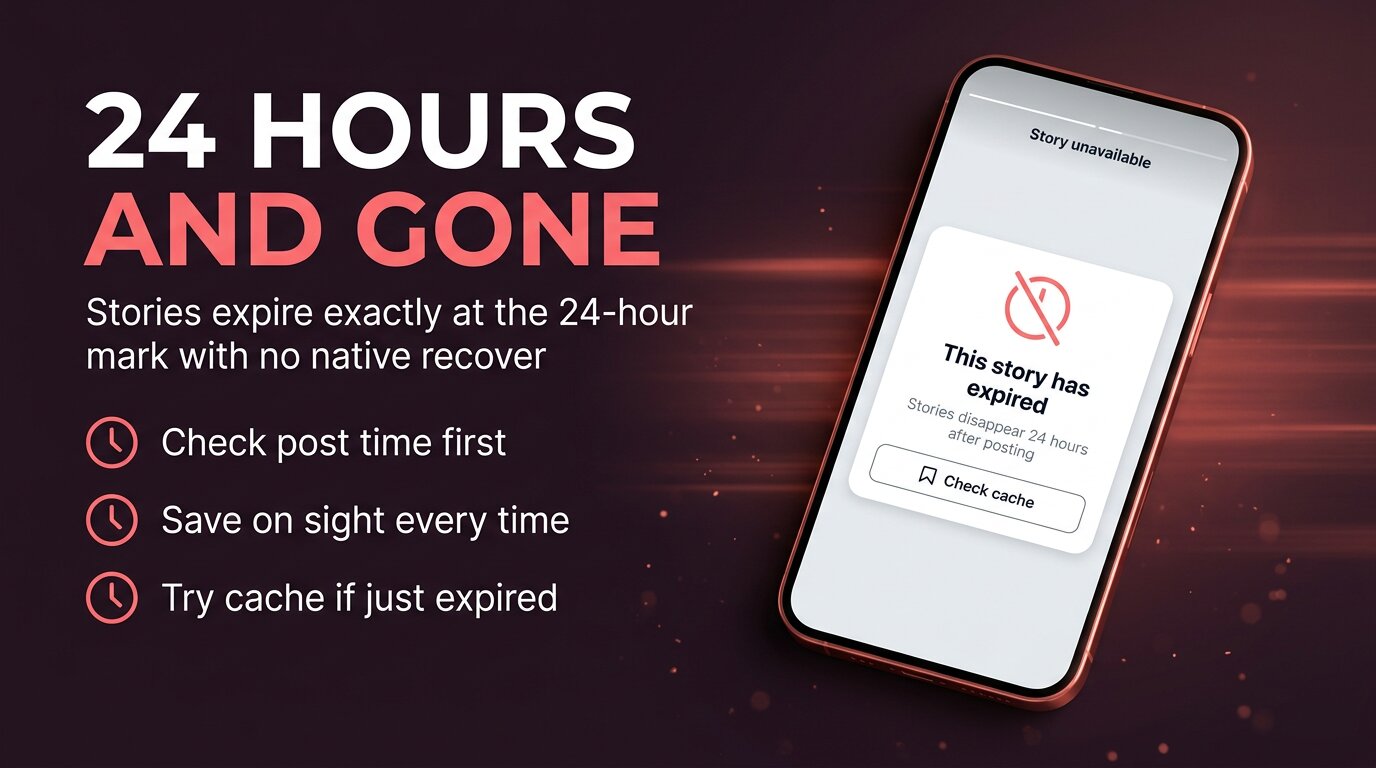
Instagram stories expire exactly 24 hours after posting. There is no grace period and no native recovery in the app. Once that clock runs out, the public endpoint stops serving the media. Your tool isn’t broken — the source itself is no longer there.
To check whether expiry is your problem:
- Open the profile on the Instagram app and look at the story ring. If it’s gone, the story is gone.
- Check when you originally saw the story. If it was “yesterday around this time”, you’re right at the 24-hour boundary.
- Look at any highlights on the profile. If the same story appears as a highlight, the owner saved it — download it from there instead.
If the story expired only recently — within the last 24 to 72 hours — some viewer caches still hold a copy. Try a tool that explicitly advertises a “cache” or “recently-expired” section. Past about three months, even cache routes generally give up. After that, the only real recovery is a copy someone else already saved.
Match the symptom to the fix
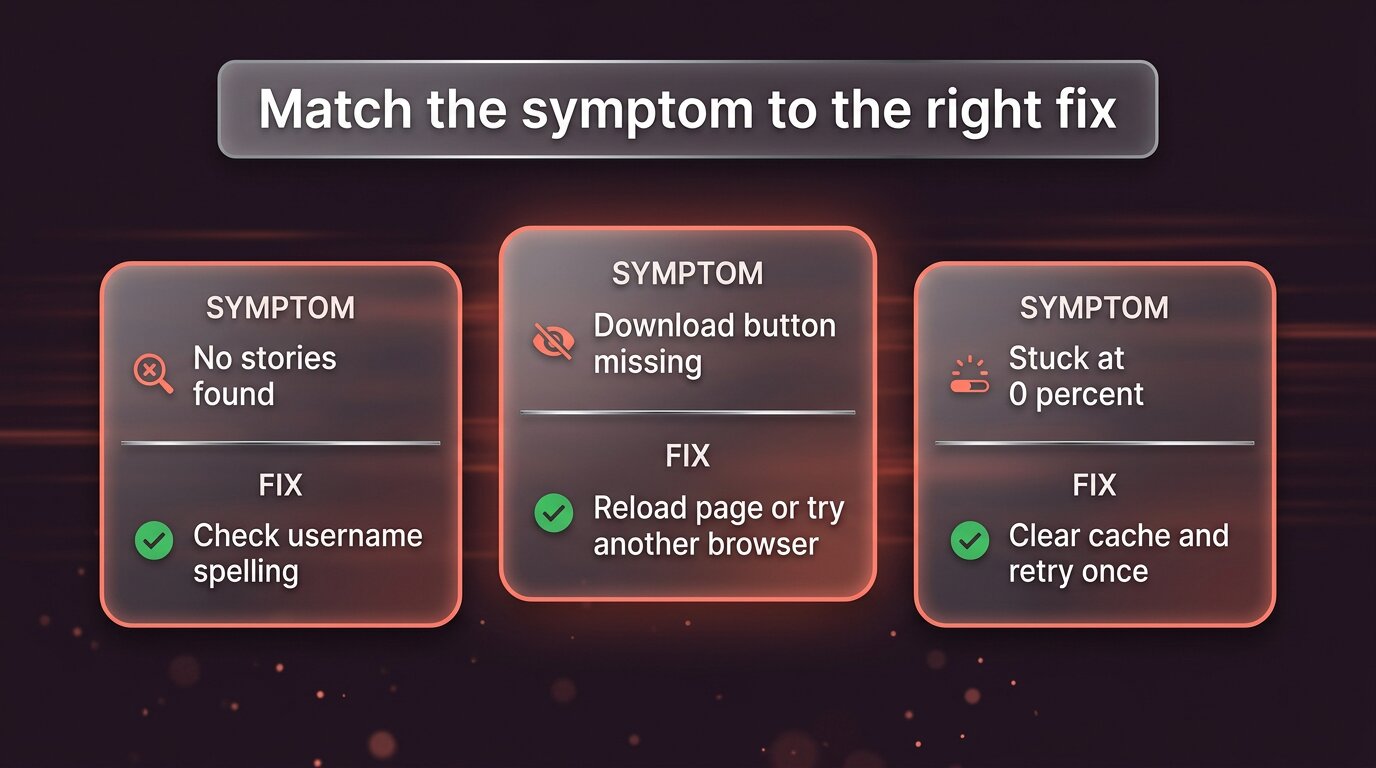
If the basics check out, match the exact symptom you’re seeing to the matching fix below. Trying remedies at random tends to confuse you about what the real cause was when it works.
- “No stories found” or “User not found” — almost always a typo. Re-verify the handle from the Instagram URL.
- Download button missing entirely — the page failed to render the UI properly. Hard-reload (Ctrl/Cmd+Shift+R) or try a different browser.
- Story plays but won’t download — right-click usually gives you a save option; on mobile, look for a download arrow icon.
- Stuck at 0% or partial download — the request itself is failing midway. Clear cache, retry once, then switch tools.
- Slow loading or never finishes — network or server-side. Check your connection, then try a different downloader.
- Worked yesterday, not today — either the tool itself is briefly down or your cached version of its page is broken.
The pattern across all of these: narrow the cause to a single layer — spelling, account, story, browser, tool. Fixing the wrong layer feels productive but wastes time.
Slow loading or a stuck download
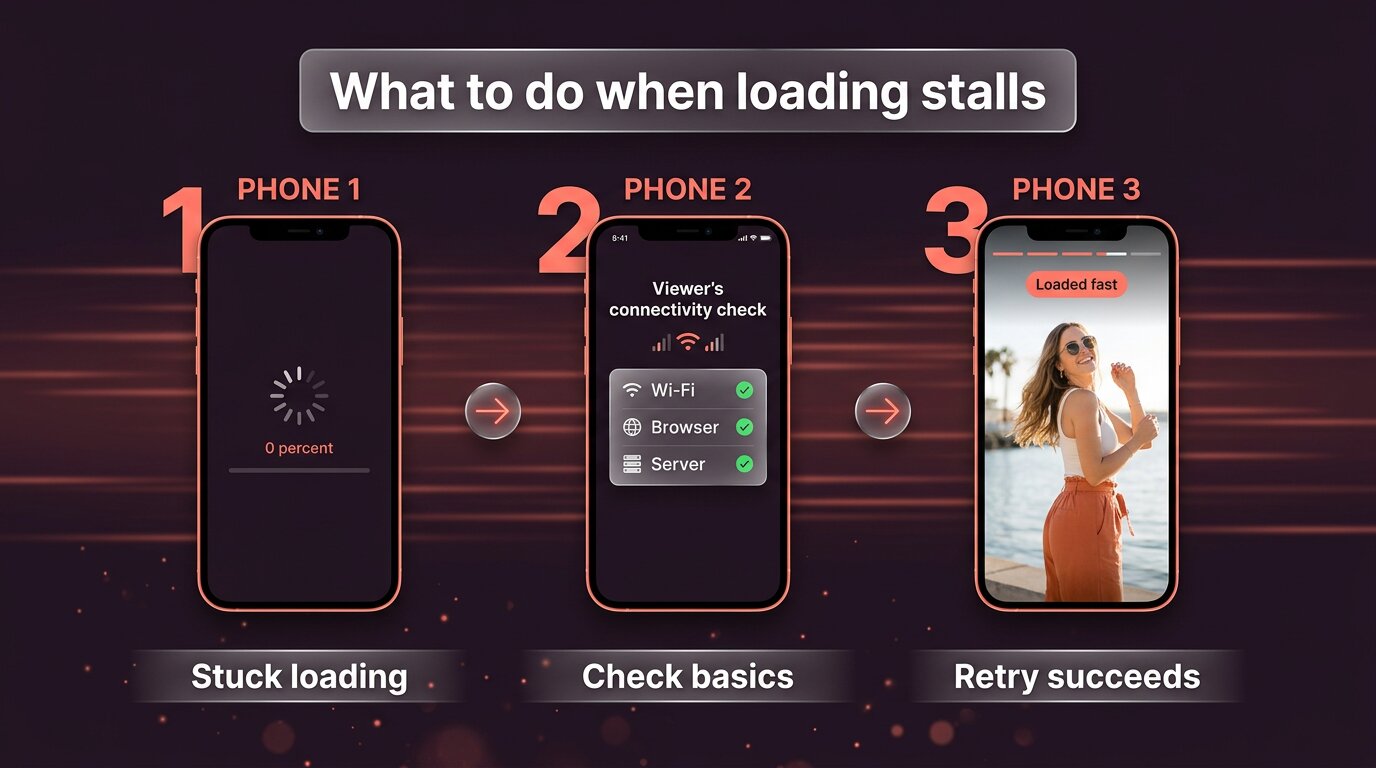
When a download stalls at 0% or hangs partway through, the failure is along the route from server to your device. Run through these checks in order:
- Confirm your connection. Load another website in the same tab. If it lags too, the problem is your network, not the tool.
- Switch from Wi-Fi to mobile data (or vice versa) for one retry. Some flaky network conditions only affect one path.
- Disable any VPN or ad-blocker just for the download tab. Both occasionally interfere with media routing.
- Try a smaller/older story first from the same account. If a 4-second clip works but the 60-second one doesn’t, you have a bandwidth or timeout issue, not a tool fault.
- Retry once. Not three times. One clean retry after fixing the suspected cause — or it’s not the suspected cause.
If five clean retries from different angles all stall, the tool itself is having a bad day. Try a different downloader before assuming Instagram broke anything.
Browser and cache fixes
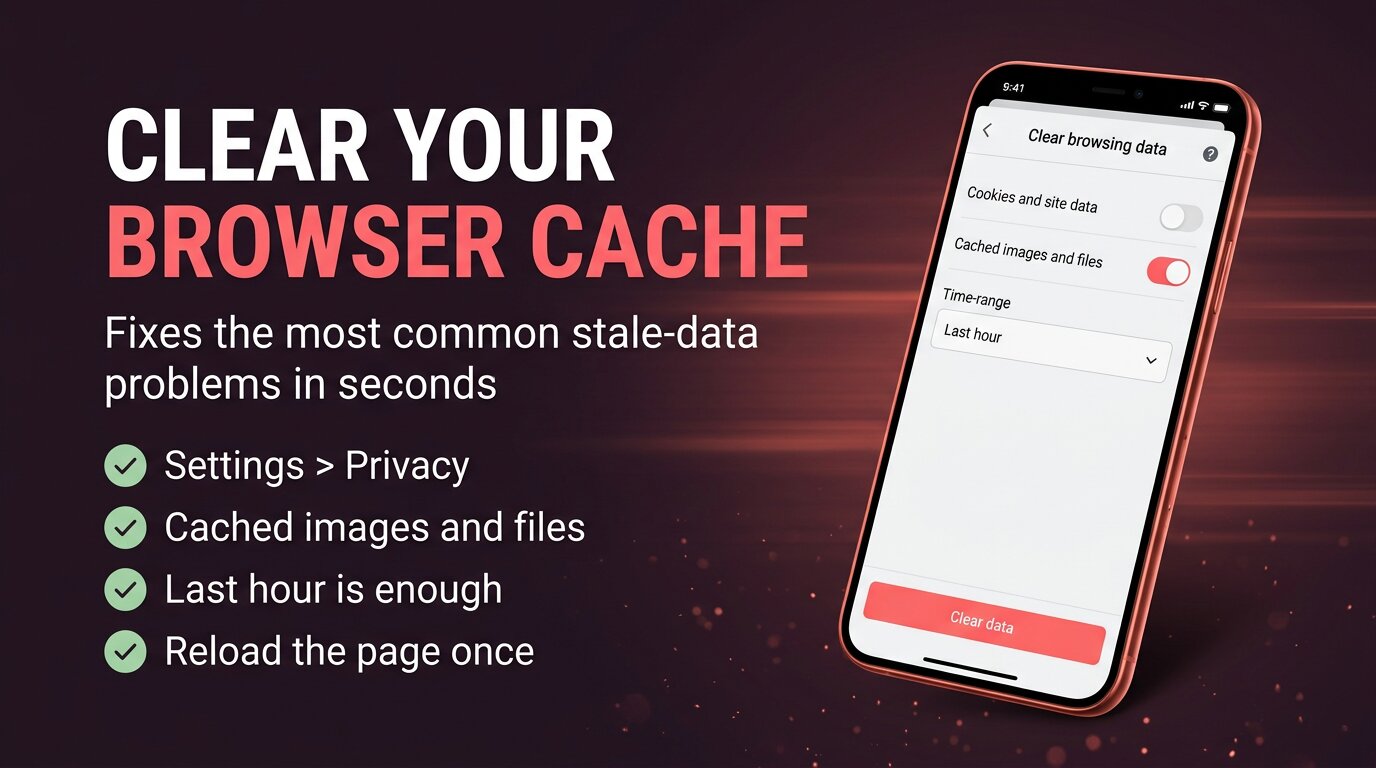
If the tool used to work and is now showing weird behaviour — missing buttons, frozen previews, “invalid response” messages — your browser is likely holding a stale copy of the tool’s code. Clearing cache fixes this in seconds:
- Hard-reload first. Ctrl+Shift+R (Windows) or Cmd+Shift+R (Mac). This forces the browser to re-download everything for the page in one tap.
- If hard-reload doesn’t help, clear browser cache. Settings → Privacy → Clear browsing data → “Cached images and files” only, last hour. You don’t need to wipe cookies; cache alone is enough.
- Open in a private/incognito window. This bypasses both cache and any browser extension. If it works in incognito, an extension is the culprit.
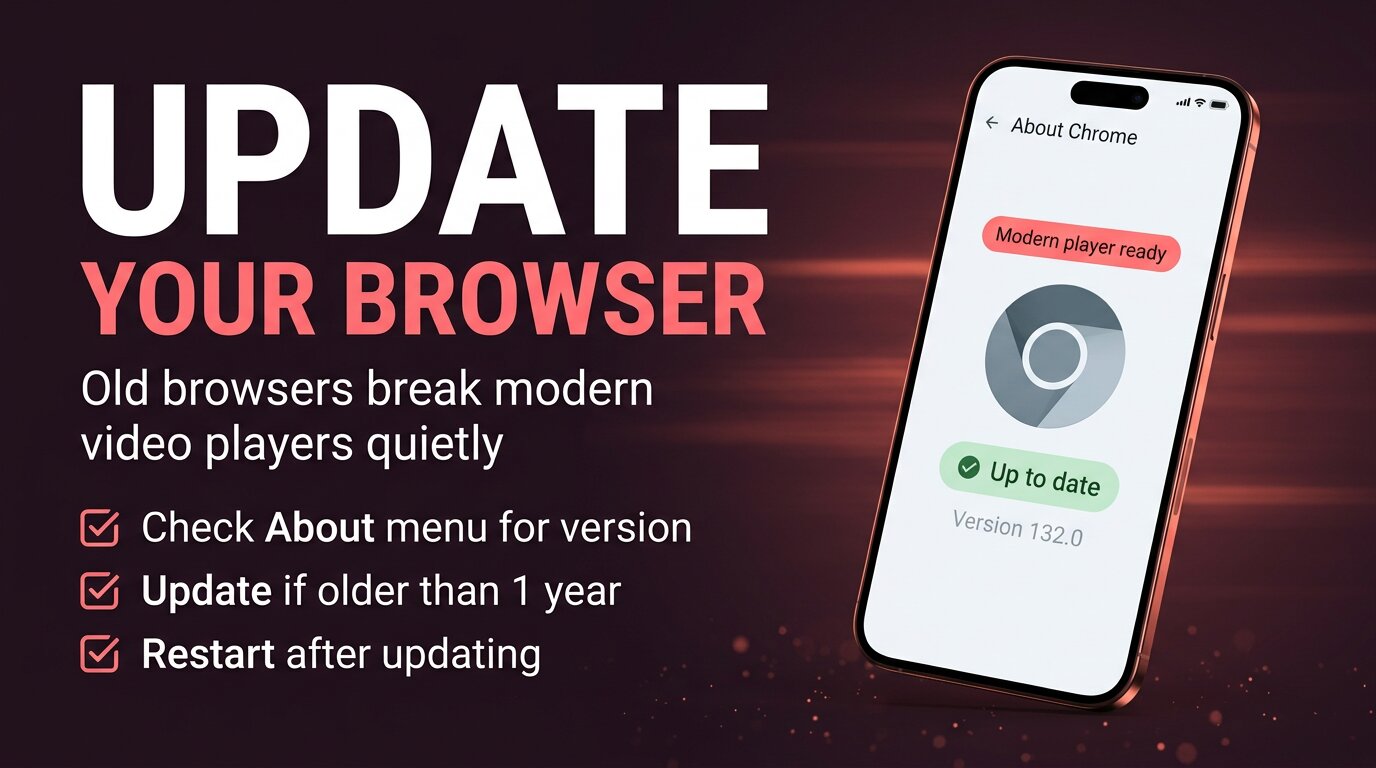
Older browsers cause silent failures — the page loads but the modern video format it tries to play simply isn’t supported. If your browser hasn’t been updated in over a year, update it once and try again. The same goes for Instagram’s app on very old phones — an obsolete app version can refuse to render new story formats even when everything else is fine.
It worked yesterday, but not today
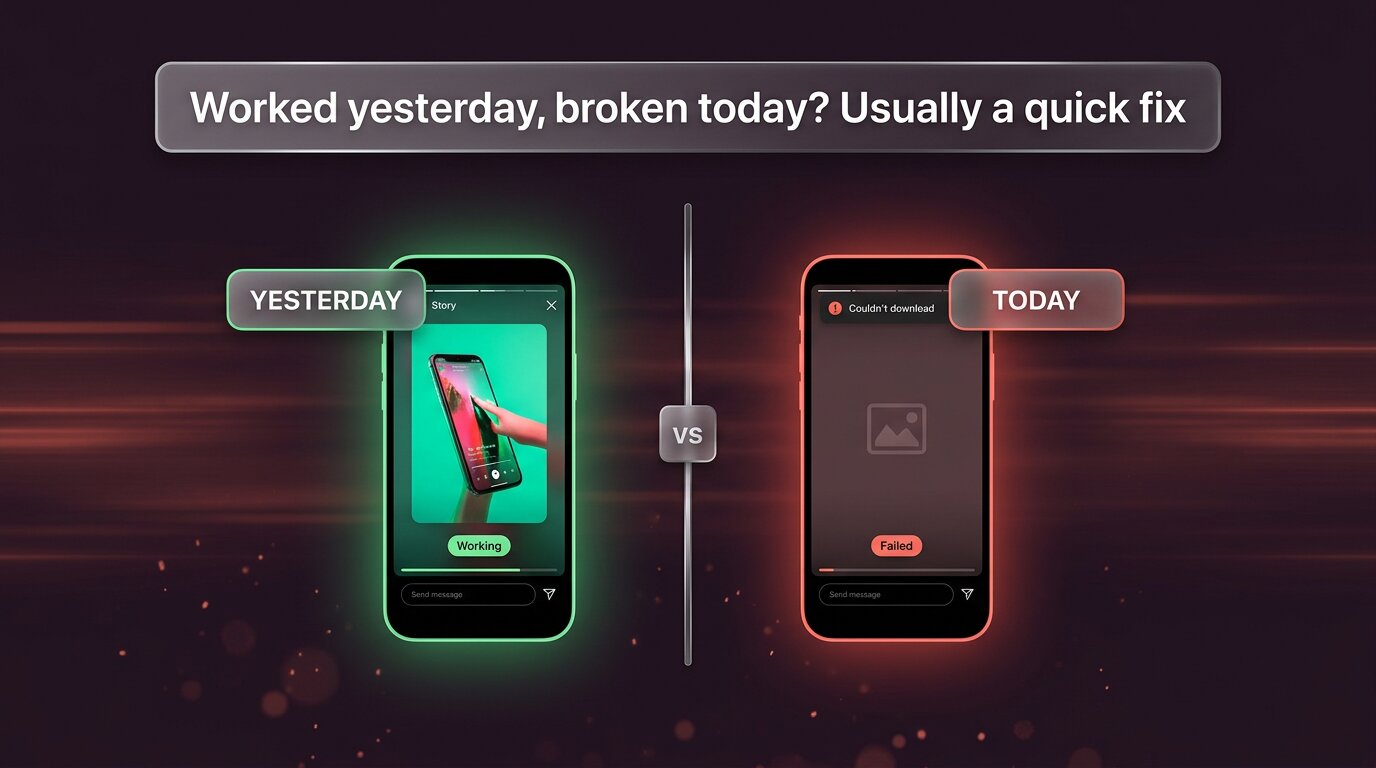
This is one of the most common “help me” emails downloaders get, and almost always it’s a transient issue with a one-line fix.
- Hard-reload the tool’s page (Ctrl/Cmd+Shift+R). The current version of its code may have shipped overnight and you’re still on yesterday’s cached copy.
- Check the tool’s status page or social account. Brief outages happen — usually fixed within an hour, never an indication of permanent breakage.
- Try one other downloader for thirty seconds. If a different tool also fails on the same account today, the issue is upstream (Instagram changed something or the account changed something). If only your usual tool fails, just give it an hour and try again.
The pattern: yesterday-worked, today-fails failures are almost never something you broke and almost always something that will fix itself in under a few hours. Hard-reload, switch tool briefly to confirm, then come back.
Your quick troubleshooting checklist
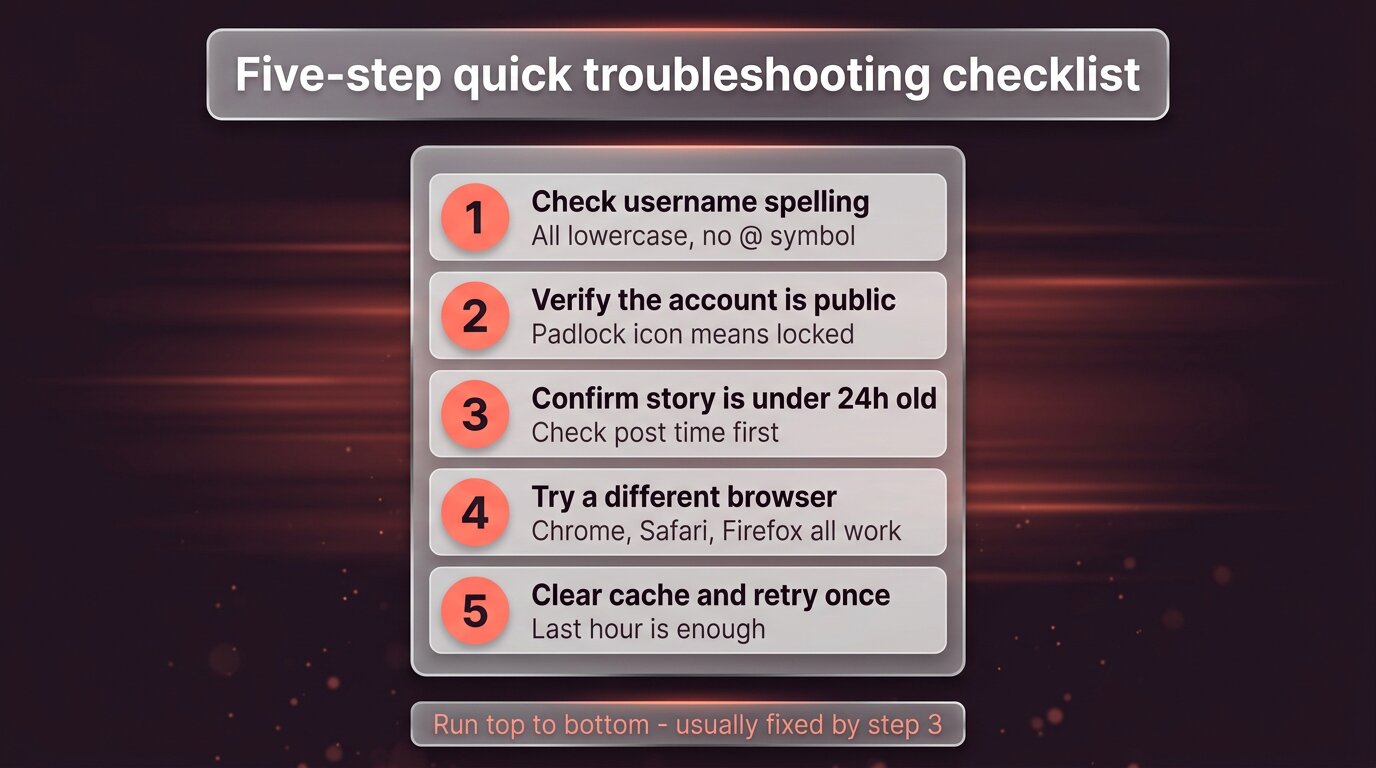
When something fails next time, run this in order. The reason for the order is cost: each later step takes more effort than the one before, and the cheap fixes resolve the great majority of cases.
- Check the username spelling. All lowercase, no @, exact dots and underscores.
- Verify the account is public. No padlock icon next to the handle.
- Confirm the story is under 24 hours old. Open the profile in the app and look for the story ring.
- Hard-reload, then try a different browser. Chrome, Safari, Firefox, Edge all work.
- Clear browser cache (last hour) and retry once. Cached images and files only.
If you reach the end of that list and the download still fails, switch to another tool for a single test — if that one also fails on the same account, the issue is upstream and waiting an hour is the right move.
What no fix can solve
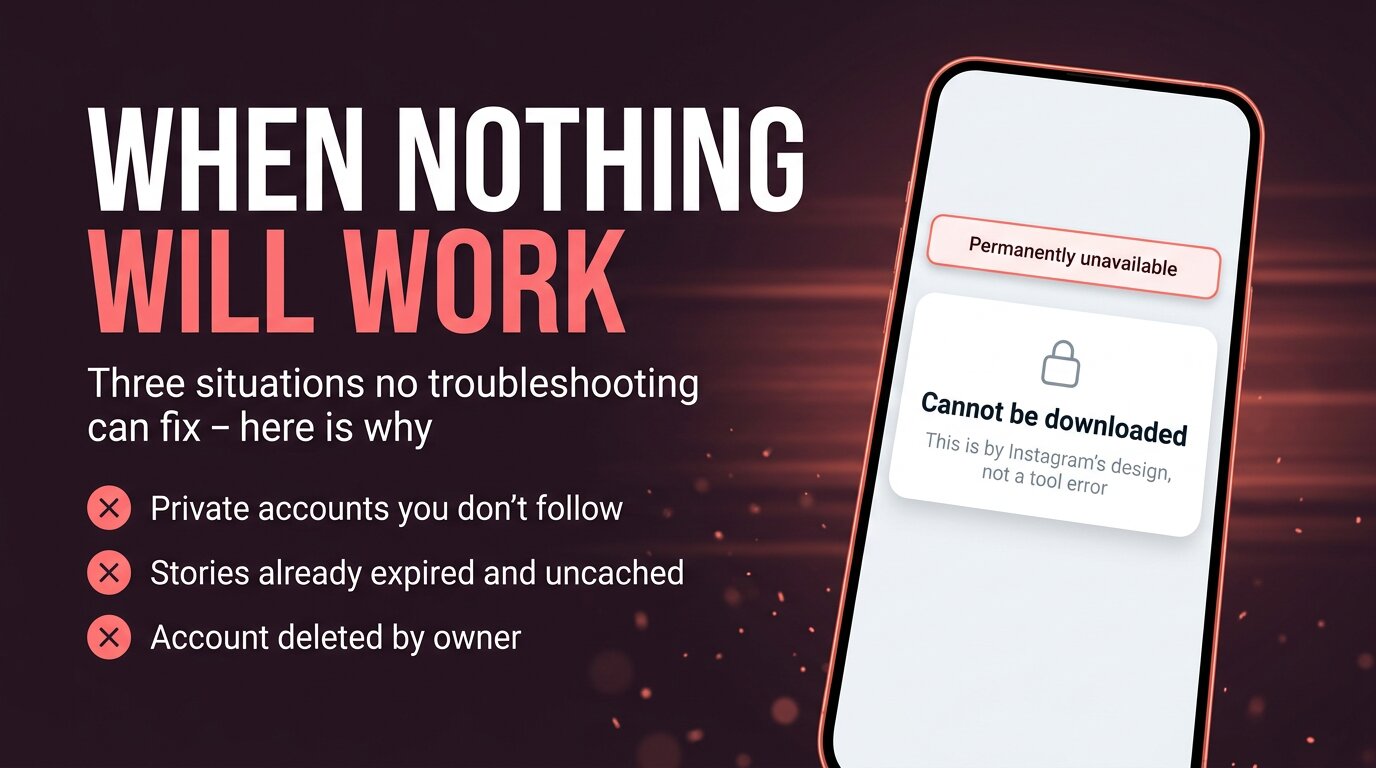
Three categories of failure aren’t fixable, no matter what you try or what someone on a forum claims. Knowing them saves you hours of pointless retrying.
- Private accounts you don’t follow. Instagram’s server refuses to serve their media to anyone outside the approved follower list. No tool overrides this. Asking for a follow is the only honest path.
- Stories already expired and not in any cache. If it’s been months and the owner didn’t save it to highlights, the media is gone. Best chance: ask the owner for a copy.
- Account or story deleted by the owner. Deletion is final; the public endpoint serves nothing for the deleted content.
If you keep getting promised tools that “recover private stories” or “download deleted accounts”: those are scams. Every one of them is either lying outright, stealing the password you give it, serving fake content, or routing you through ad-fraud surveys. The honest set of downloaders all draw the same line, because they all hit the same Instagram server you do.
The bottom line
Most “download not working” complaints turn out to be one of the same five things — mistyped username, private account, expired story, stale cache, brief tool downtime. Walk the five-step checklist in order, and you’ll resolve about ninety percent of failures before you get tempted to switch tools.
For the small remainder: it’s either structural (private, long-expired, deleted) and no tool will help, or it’s a passing service hiccup and an hour’s patience plus a hard-reload will sort it. Either way, the right next step is usually wait, then retry, not install yet another tool.
Explore more across GWAA: Highlights not loading — 7 fixes · Fix ‘Couldn’t refresh feed’


