

Once an Instagram story passes its 24-hour mark, Instagram itself stops serving it. Recently-expired stories can sometimes still be pulled from third-party viewer caches (typically up to about three months). The only foolproof method is to save the story before it expires — ideally as part of a small daily habit. Long-deleted or private stories cannot be recovered by any tool.
⚡ Key takeaways
- Stories expire at 24 hours exactly — no grace period in the app.
- Recently-expired public stories often sit in viewer caches for up to ~3 months.
- Highlights = stories the owner already saved permanently — check there first.
- Building your own archive is the only foolproof way to keep something.
- Private and long-deleted stories cannot be recovered; tools that promise otherwise are scams.
The moment an Instagram story crosses its 24-hour mark, the app behaves as if it never existed. The Viewers panel still remembers who watched, but the media itself is no longer served. For the people who meant to save a story and forgot — or who only realised after the fact that they wanted it — that timer feels brutal. The good news is that “expired” doesn’t always mean “permanently gone” on the public web, and the honest news is that the recovery window is narrower than most articles claim.
What follows: how the expiry mechanism actually works, where the recoverable window exists, how to use it, why highlights are the under-rated answer, what is genuinely beyond recovery, why people chase these stories in the first place, the recovery scams to avoid, and a small daily habit that makes the whole problem disappear next time.
The reality of story expiry

Instagram stories expire exactly 24 hours from the moment of posting. There is no grace period built into the app, no native “recently expired” tab inside Instagram itself, and no “restore my story” button anywhere in the settings. Once the timer hits zero, the app stops surfacing it.
Three details worth knowing:
- The 24 hours is per-story, not per-account. A series of stories posted across an evening will expire in sequence over the next evening.
- Owners can delete earlier. A story can vanish before 24 hours if the owner deletes it. Same outcome as expiry: gone from Instagram’s server.
- Highlights are different. When the owner pins a story to highlights, they’ve saved it manually; it lives on indefinitely as a separate object.
What that means in practice: the moment a story leaves the live ring on a profile, your options narrow sharply. The remaining paths exist on the public web (caches, highlights) and on a few specific tools — not inside the Instagram app itself.
The recoverable window: viewer caches
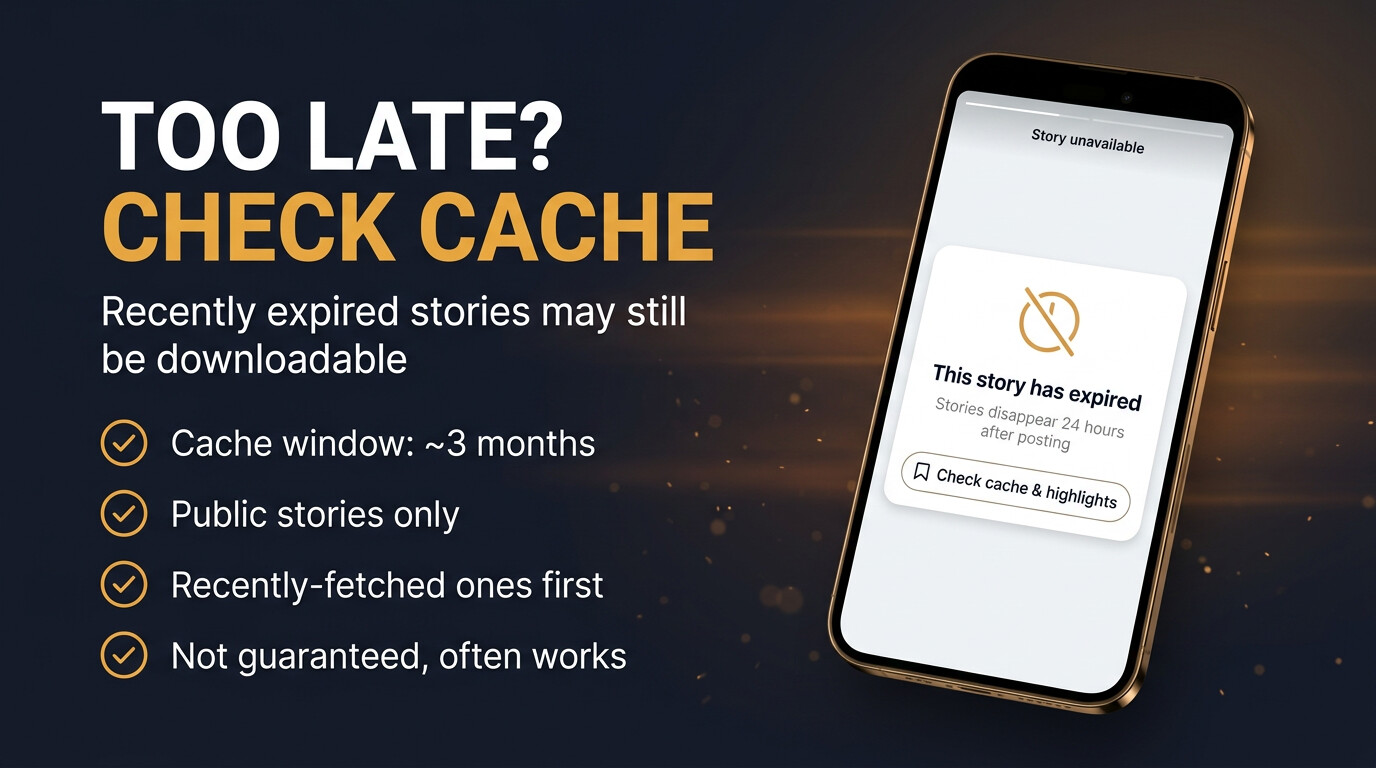
Most reputable story-viewer tools cache the public stories they’ve already fetched, so a story that already left Instagram’s live feed may still be served from the cache for a while. The window varies by tool, but the practical range is about three months. Beyond that, even cache layers tend to roll the story out.
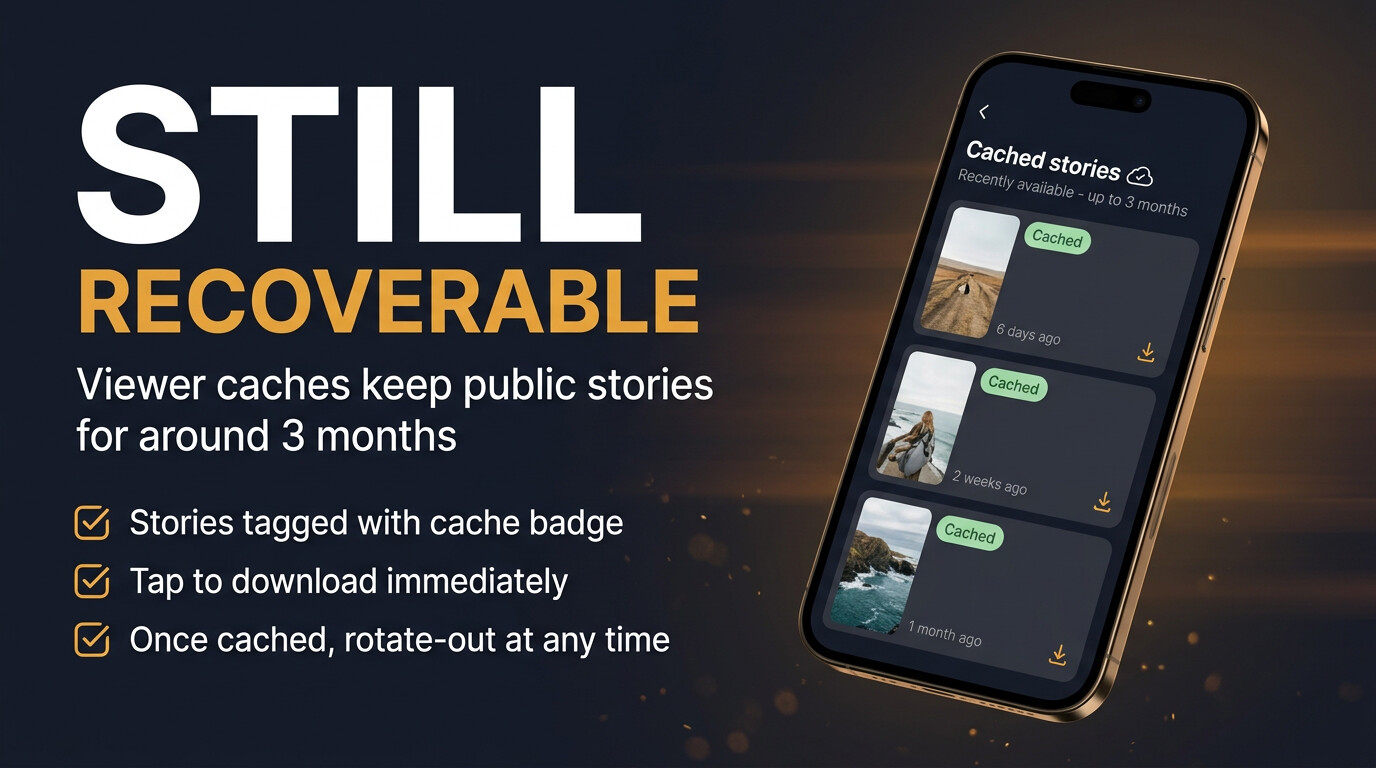
Three things to know about cache recovery:
- It only works on public stories. Private accounts are never cached by reputable tools because the tools never had access in the first place.
- Recently expired is the sweet spot. Yesterday or last week is almost always available. A year ago is almost never available.
- No guarantees, no SLA. A tool that says “guaranteed expired recovery” is overpromising. Honest tools list it as a possibility.
The good move when you discover something just expired: try a cache-aware downloader within an hour or two. The success rate inside that window is much higher than it looks.
The only sure cure: save in time

Every recovery path has caveats. The one path with no caveats is saving the story before it expires. The whole flow is three taps in a web downloader:
- Open the viewer in any browser. No login, no app, no account.
- Type the public username. Stories appear as preview tiles.
- Tap save. The original MP4 (video) or JPG (photo) lands in your gallery.
Once the file is in your gallery, the 24-hour timer is irrelevant. The owner can delete the original; your copy lives on. The platform can change its rules; your copy is unaffected. Save on sight turns the entire “expired story” problem from a recovery chase into a one-time habit.
Check the highlights first
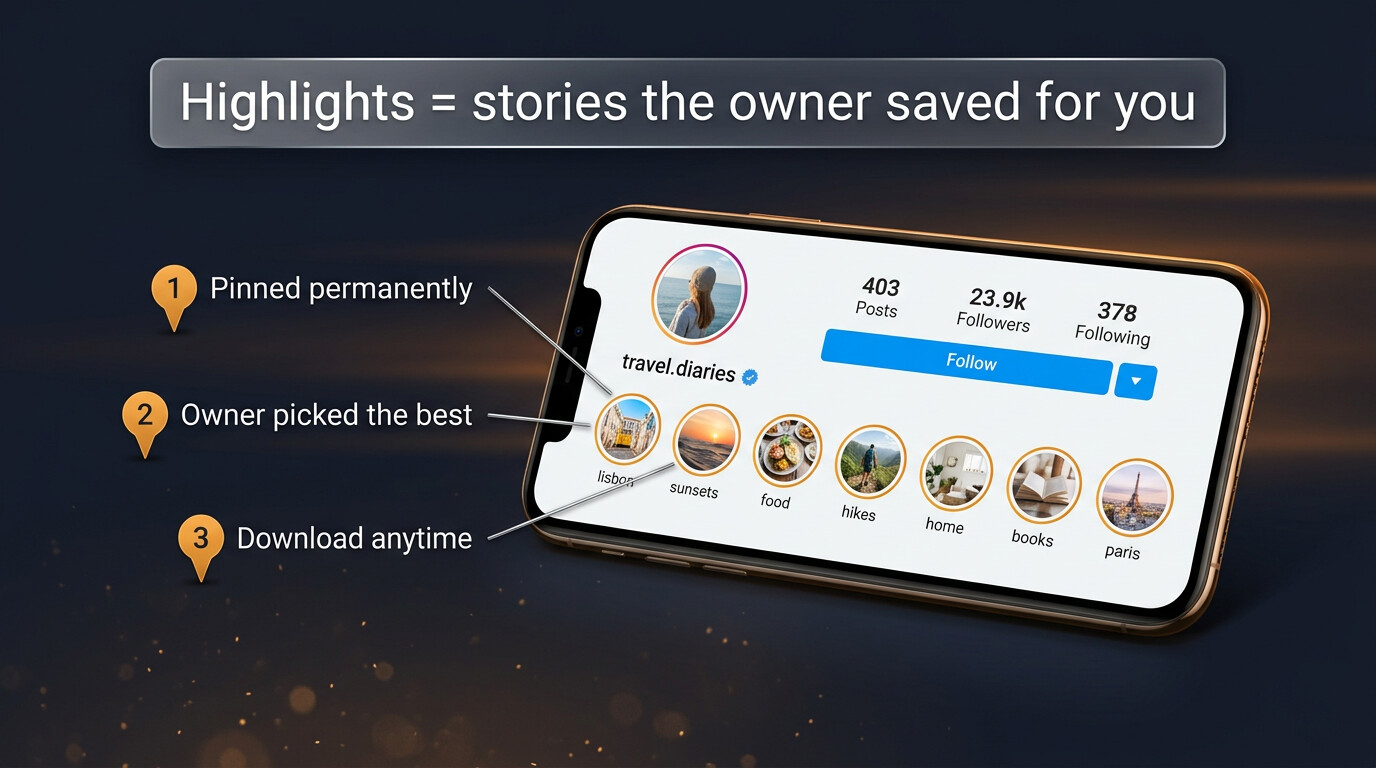
The single most underrated recovery method is also the most obvious: check the profile’s highlights. Highlights are stories the owner consciously decided to keep beyond 24 hours; they sit as circular covers above the post grid, organised by theme. If the story you’re looking for was meaningful to the owner too, there’s a real chance they saved it there themselves.
Quick workflow:
- Open the profile. Scroll past the bio to the row of circular highlight covers.
- Skim the cover names. Owners usually label them — “Wedding”, “Launch Day”, “Travel”.
- Tap the relevant one. Each highlight cover plays through the stories the owner saved into that group.
- Download from there. Most viewers handle highlights the same way they handle live stories.
Highlights are essentially the owner’s own answer to expiry — they’ve already done the saving for you. Always check there before assuming the story is gone.
Recovered vs gone forever
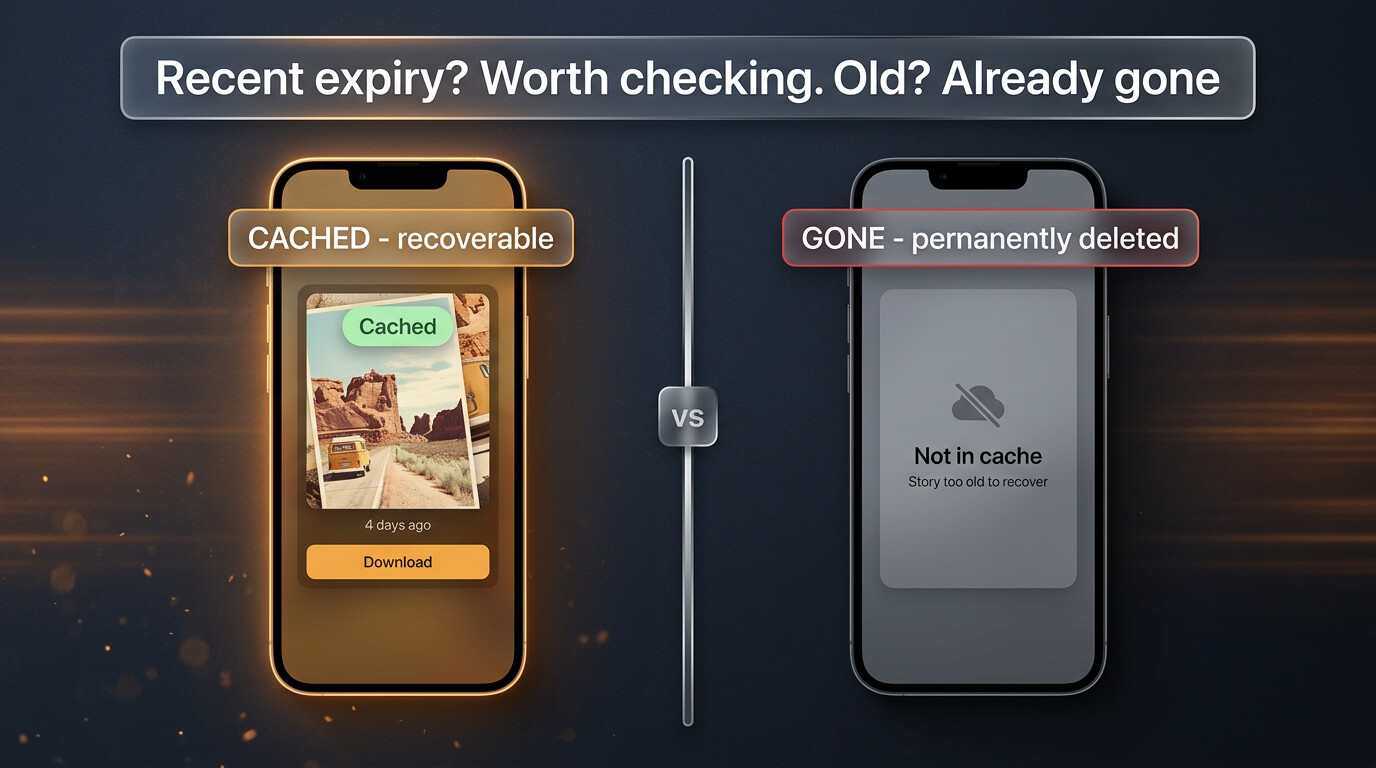
Two cases that look similar on the surface but end very differently:
- Cached + recently expired. Public story, expired in the last few weeks, fetched by at least one viewer before it expired — there’s a real chance it’s still serveable. Worth the attempt.
- Uncached + long expired. Public story but no viewer ever fetched it inside the 24h window, or it expired more than three months ago — the media is structurally gone from anywhere reachable. The story might exist on the owner’s phone; it does not exist on the public web.
How to tell which case you’re in: try a cache-aware downloader once. If it has the story, recovery succeeds in seconds. If it doesn’t, the story is in the second bucket and no other site will have it either.
Build your own archive
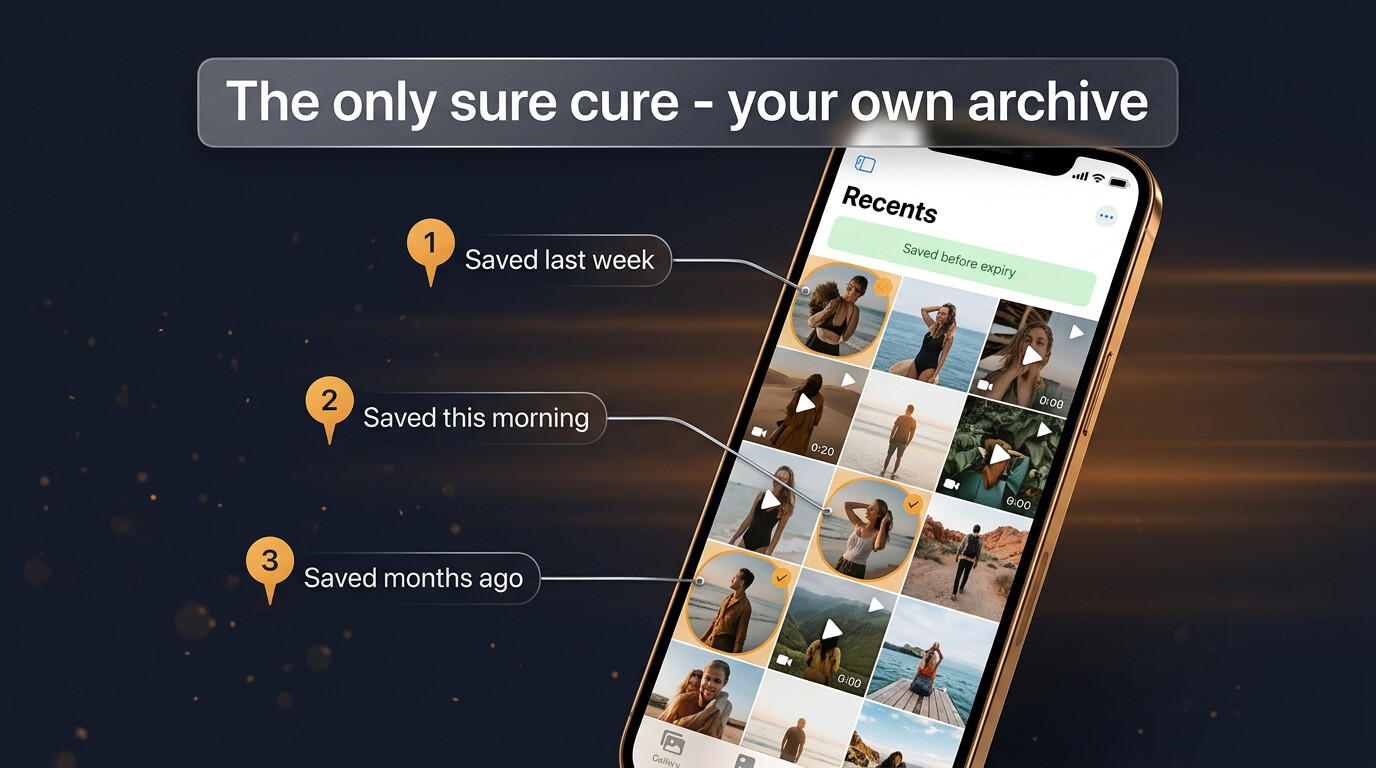
The cure for “I missed a story” is upstream, not downstream. Once saving on sight becomes a habit, the entire “expired story” category stops existing for you. A few practical notes on the habit:
- Save the file, not a screenshot. Original quality matters when you re-open it in a year.
- One folder per year, theme sub-folders. “2026 / Wedding stories” works long-term; randomly-named files do not.
- Back up once. Phones break; clouds last. iCloud, Google Photos, Dropbox — pick one and switch on auto-backup.
- Quarterly sweep. Five minutes to cull what stopped mattering; the archive stays sharp.
This is the boring answer, and it’s also the only one that doesn’t fail. Every recovery method has caveats; an archive you control does not.
What no tool can recover
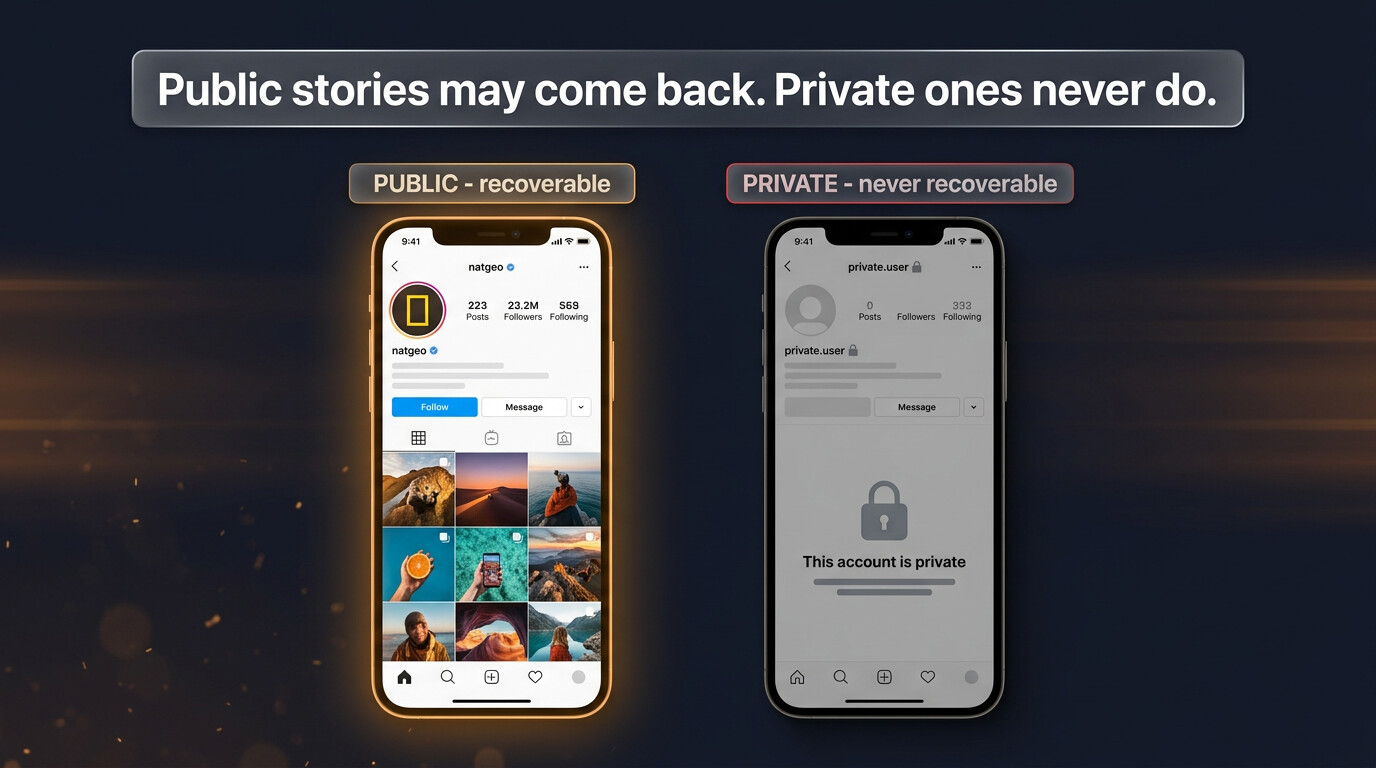
Three categories are simply unrecoverable, no matter what claim a site makes:
- Private accounts you don’t follow. Instagram’s server refuses to release their stories to anyone outside the approved follower list. No third-party tool overrides this. The honest move: ask for a follow.
- Long-expired stories with no cache. Months past expiry, no viewer ever cached it, owner didn’t move it to highlights — the media doesn’t exist anywhere the public web can reach.
- Owner-deleted stories. If the owner deleted before expiry, the media leaves Instagram’s servers immediately; no cache can hold what it never received.
In all three, the only realistic path is to ask the original owner if they have a copy on their phone. That works far more often than recovery scams do.
Why people chase expired stories in the first place
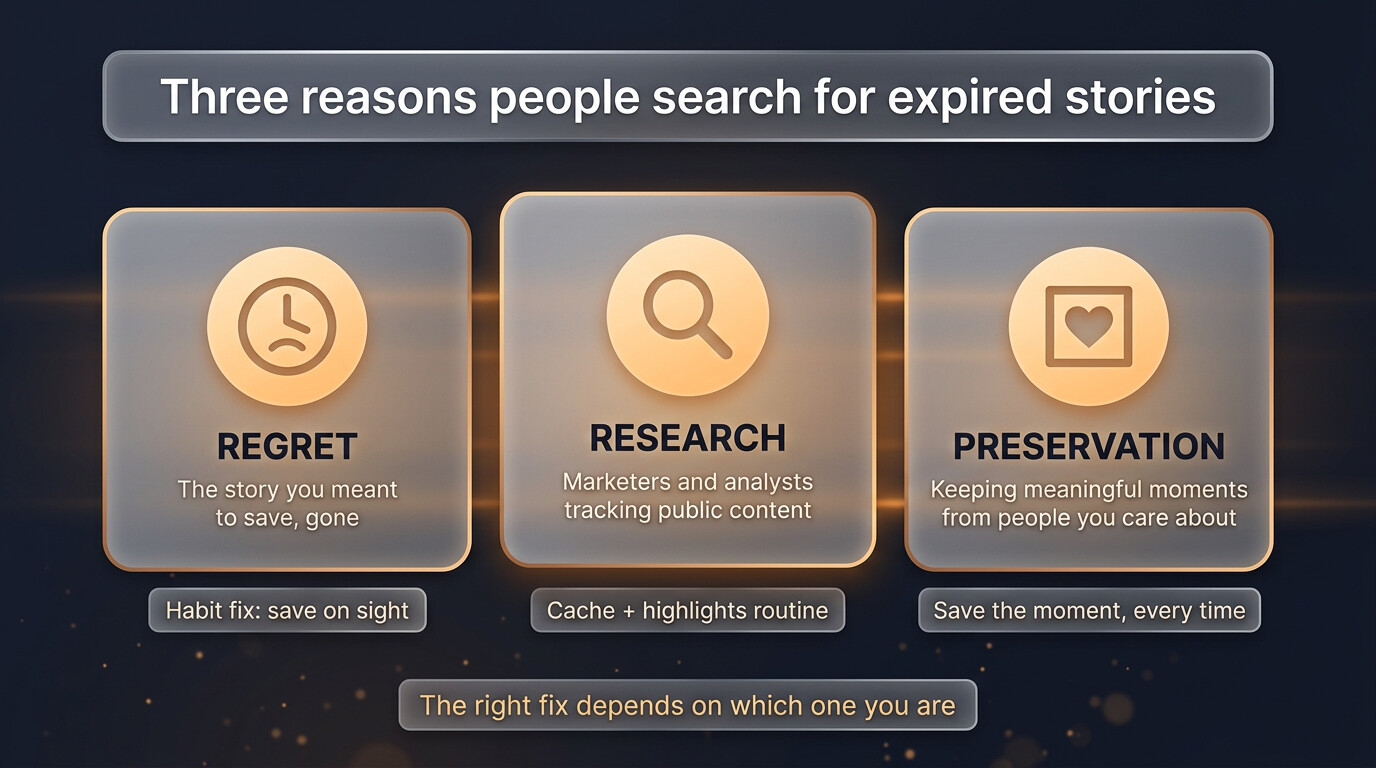
Almost every expired-story search falls into one of three motivations — and the right fix depends on which one you’re solving:
- Regret. You meant to save it, you didn’t, and now it’s gone. The fix is the “save on sight” habit, not a recovery tool.
- Research. Marketers and analysts tracking competitor or trend output for patterns. The fix is a cache-aware downloader run regularly and an organised archive.
- Preservation. A meaningful moment from a person you care about. The fix is asking for a copy directly or, going forward, saving theirs as a habit.
Knowing which one you’re solving keeps you from wasting time. A research goal is well-served by tooling; a preservation goal is well-served by a friendly DM.
Sites that lie about expired recovery
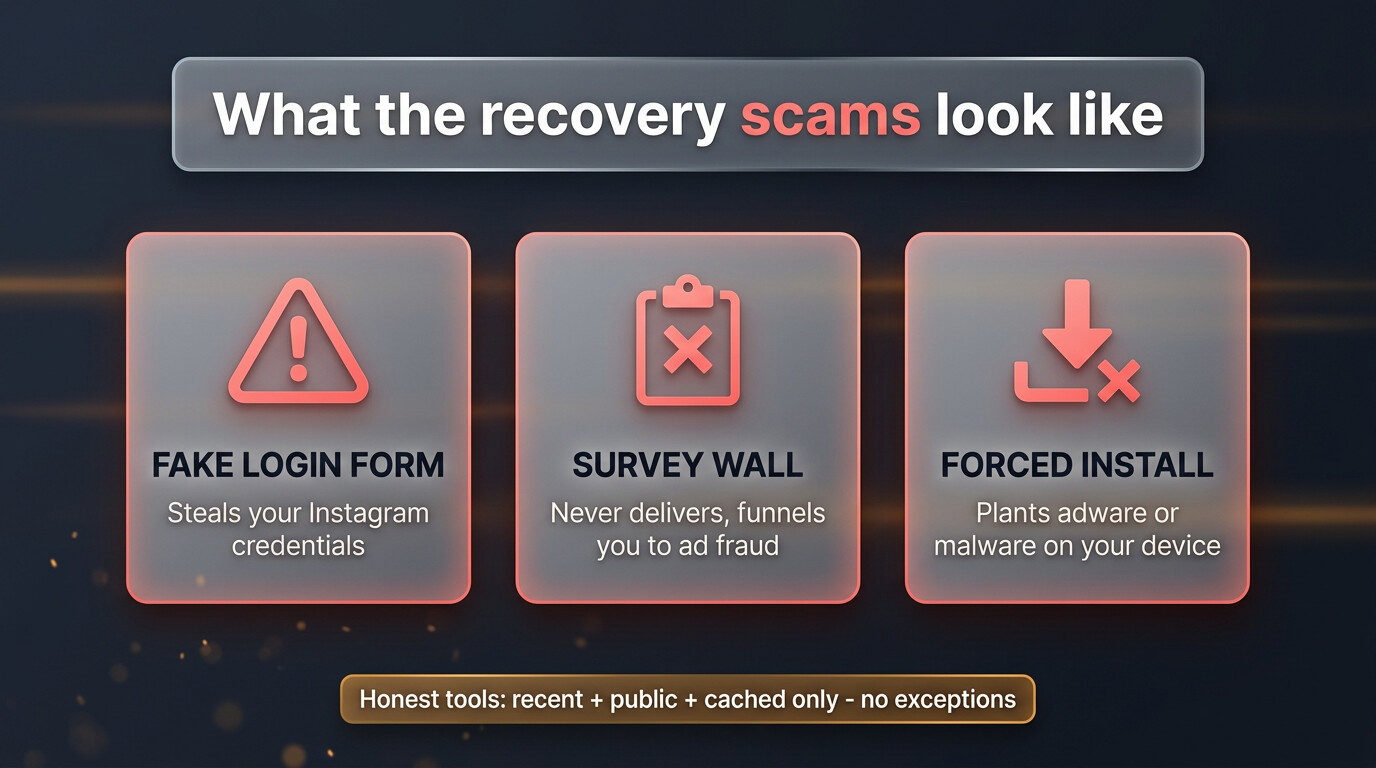
A small set of sites claim to do things no legitimate tool can. Knowing the three classic lies saves a lot of grief:
- “We recover any expired story for any account.” Almost always a fake login wall that steals your Instagram password.
- “Just complete this survey to unlock the recovery.” Classic ad-fraud funnel. Never delivers; pays the site every time a survey completes.
- “Install our app for unlimited expired recovery.” Forced installs are usually adware or spyware; the “recovery” never works.
The reliable rule: any honest recovery tool offers only public + recent + cached. If a site promises beyond that scope, walk away. The honest tools don’t need to overpromise because the legitimate cases are common enough on their own.
A practical expired-story checklist
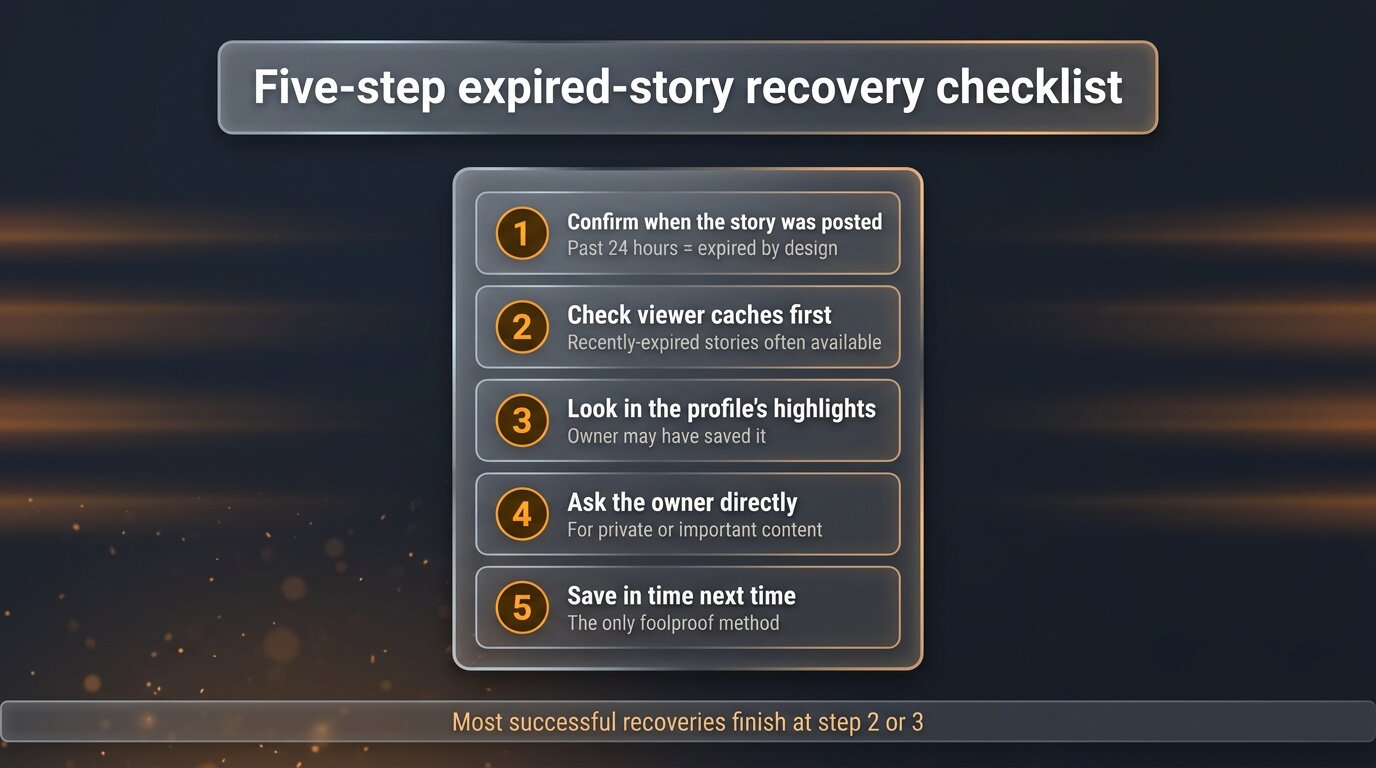
When you next realise a story has expired, run this in order:
- Confirm when the story was posted. If still under 24 hours, it isn’t expired — you’re just looking in the wrong place.
- Check viewer caches. Recently-expired public stories often sit there. This resolves a majority of cases.
- Check the owner’s highlights. Meaningful stories often get saved there by the owner anyway.
- Ask the owner directly. If it was important to them too, they may have it on their phone.
- Save in time next time. The habit that turns “expired stories” into a non-problem.
A realistic timeline of what is recoverable
The recoverable window isn’t a single line; it’s a slope. Knowing roughly where you sit on it tells you whether the search is worth running:
- Under 24 hours. Not expired yet — just save it from the live ring.
- 24 hours to a week. Very high recovery rate from any cache-aware tool. This is the sweet spot for casual misses.
- One week to one month. Still a reasonable success rate — worth a try, especially for accounts with regular viewer traffic.
- One to three months. Recovery becomes hit-or-miss. Highlights are now more likely than caches.
- Three months and older. Cache routes generally give up. Realistically: only highlights or asking the owner.
The shape of the slope matters because it tells you when to stop. Five minutes of recovery effort is well-spent in week one. Five hours of effort on a six-month-old story almost never returns it — that time is better spent setting up the daily save habit so next time the question never arises.
The bottom line
Expired Instagram stories aren’t a guaranteed loss, but they aren’t a guaranteed recovery either. Inside the cache window (a few months for public content), recently-expired stories often come back through a viewer’s cache or the owner’s highlights. Outside it, the media is structurally gone and any site that claims to recover it is selling something else.
The real fix is upstream: save the stories that matter as you watch them. Use a downloader, drop the original file into a real folder, back the folder up once. The 24-hour timer becomes irrelevant. “Expired story” stops being a problem because you stopped depending on Instagram’s clock in the first place.
Explore more across GWAA: View saved highlights anonymously · Who viewed your story


